
IT Helpdesk and Support System Implementation
An efficient IT helpdesk system is essential for maintaining smooth business operations, minimizing downtime, and ensuring that technical issues are resolved quickly and professionally. As businesses become more dependent on technology, the need for a structured and responsive support system becomes increasingly important. A well-designed helpdesk not only resolves problems but also enhances productivity, improves employee satisfaction, and strengthens overall operational efficiency.
The Role of IT Helpdesk in Modern Organizations
The IT helpdesk acts as the central point of contact for all technical issues within an organization. It ensures that employees can report problems, request services, and receive timely assistance without disrupting their workflow.
A structured helpdesk system enables businesses to manage requests systematically, prioritize critical issues, and maintain a clear record of all support activities. This improves accountability and ensures that no issue is overlooked.
Modern helpdesks go beyond reactive support. They provide proactive monitoring, identify recurring issues, and help organizations implement long-term solutions that reduce technical disruptions.

Designing an Effective Ticketing System
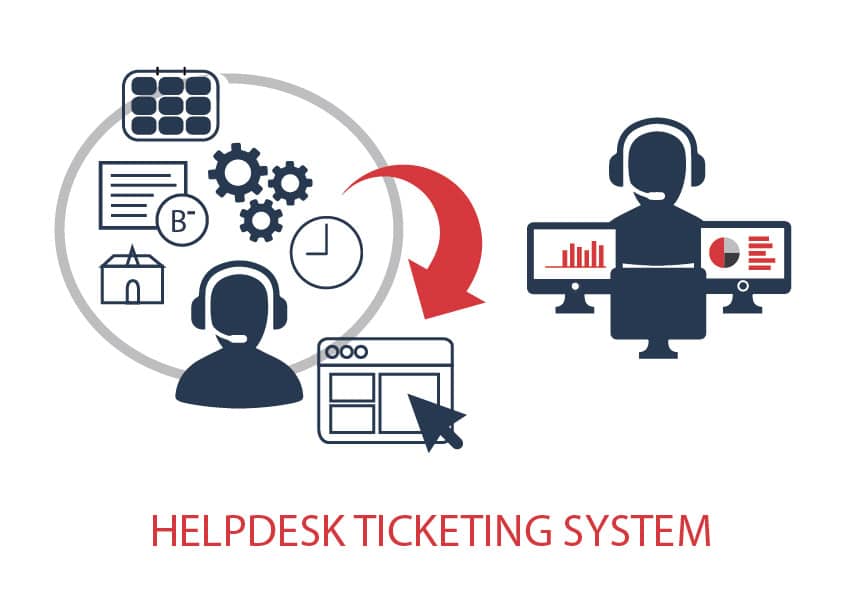
A ticketing system is the backbone of any IT helpdesk. It allows users to submit requests that are tracked, categorized, and assigned to the appropriate support personnel.
Each ticket should include detailed information such as issue type, priority level, user details, and resolution status. This structured approach ensures that support teams can handle requests efficiently and maintain clear communication with users.
An effective ticketing system improves response times, reduces confusion, and provides valuable insights into common technical issues faced by the organization.
Implementing Multi-Channel Support
Modern businesses require flexible communication channels for support services. Employees and clients should be able to reach the helpdesk through email, chat systems, web portals, or phone support.
Providing multiple channels ensures accessibility and convenience, allowing users to choose the method that best suits their needs. This leads to faster issue reporting and improved user satisfaction.
Integration of these channels into a unified system ensures that all requests are tracked centrally, preventing duplication and ensuring consistent service delivery.
Automation in Helpdesk Operations
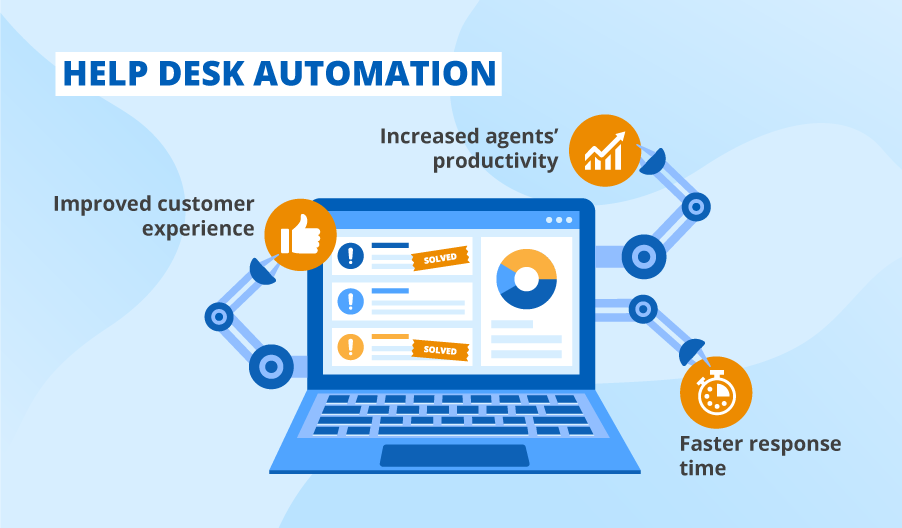
Automation significantly enhances helpdesk efficiency by reducing manual tasks and streamlining workflows. Routine activities such as ticket assignment, status updates, and notifications can be automated.
Automation also enables faster response times by instantly routing tickets to the right department. It ensures consistency in handling requests and minimizes the risk of human error.
Advanced automation can include self-service portals, knowledge bases, and AI-driven chatbots that provide instant solutions for common issues.
Key Helpdesk Features
Ticket Tracking
Monitor and manage all support requests from submission to resolution.
Knowledge Base
Provide self-service resources that help users resolve common issues quickly.
Performance Reports
Analyze response times, resolution rates, and support efficiency.
Ensuring Service Quality and Continuous Improvement
Maintaining high service quality requires continuous monitoring and improvement of helpdesk operations. Regular feedback from users helps identify gaps and areas for enhancement.
Performance metrics such as response time, resolution time, and customer satisfaction should be tracked consistently. These insights help organizations optimize processes and improve service delivery.
Continuous training for support staff ensures that they stay updated with the latest technologies and best practices, enabling them to provide effective and reliable support.
Leave a Reply