

Data Backup and Disaster Recovery Strategy for Businesses
In a digital-first business environment, data is one of the most valuable assets an organization owns. From customer records and financial data to operational systems and internal communications, every aspect of business depends on reliable data access. However, unexpected events such as hardware failures, cyberattacks, accidental deletions, or natural disasters can lead to critical data loss. A well-planned backup and disaster recovery strategy ensures that businesses can quickly recover, minimize downtime, and maintain continuity even in the face of disruption.
Understanding the Importance of Data Backup
Data backup is the process of creating copies of important information so that it can be restored in case of loss or corruption. Without proper backups, businesses risk losing critical data permanently, which can lead to financial losses and operational setbacks.
Regular backups ensure that even if primary systems fail, a recent copy of data is available for recovery. This allows organizations to continue operations with minimal interruption.
An effective backup strategy involves selecting the right storage methods, defining backup frequency, and ensuring that backups are stored securely both on-site and off-site.

Types of Backup Strategies
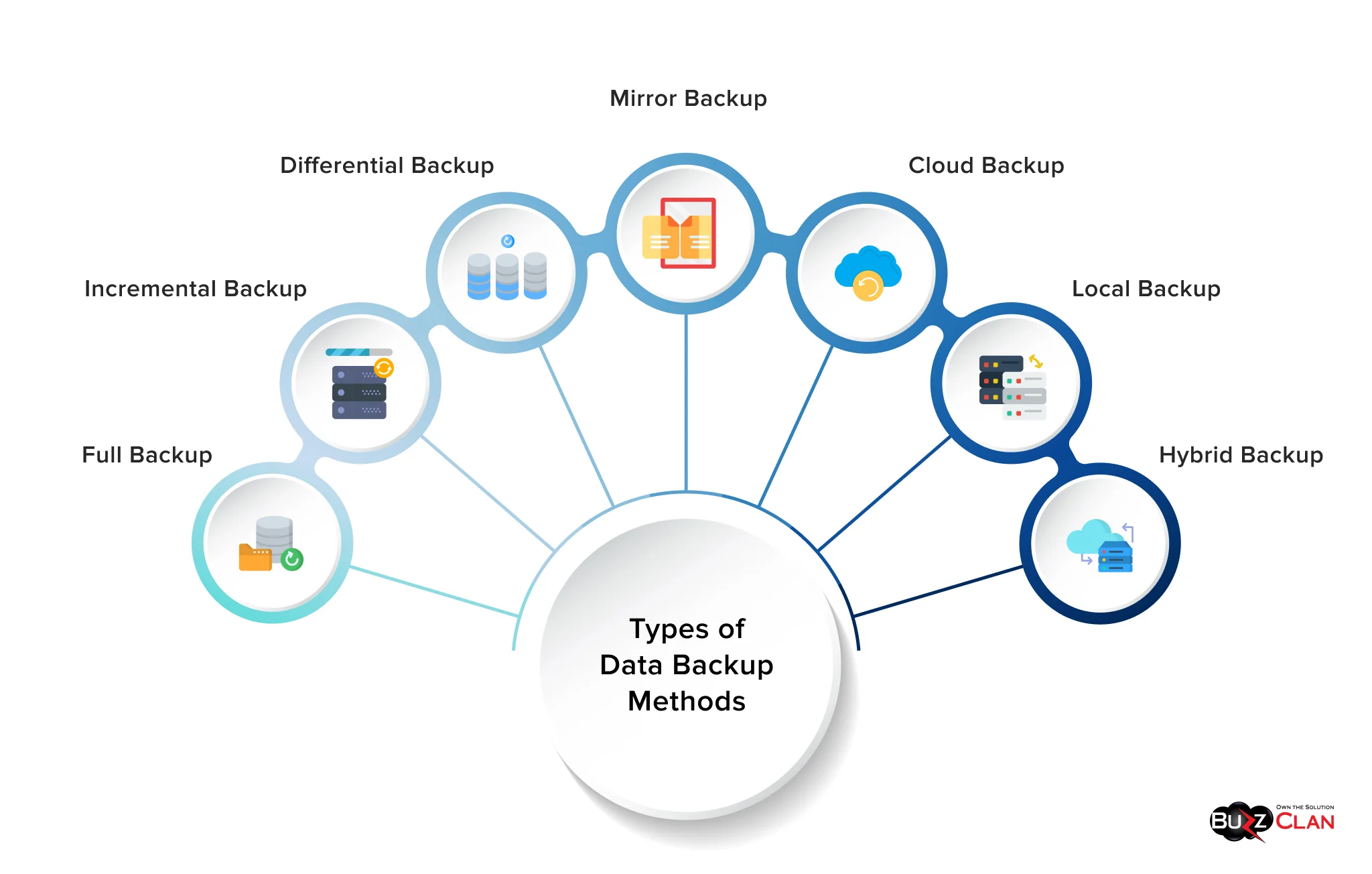
There are several types of backup methods, including full backups, incremental backups, and differential backups. Each method offers different advantages depending on business requirements.
Full backups create a complete copy of all data, while incremental backups only store changes made since the last backup. Differential backups capture changes since the last full backup.
Choosing the right combination of these methods helps optimize storage usage, reduce backup time, and ensure quick recovery when needed.
Disaster Recovery Planning
Disaster recovery focuses on restoring systems and operations after a disruption. A strong recovery plan outlines the steps required to bring systems back online quickly and efficiently.
This includes identifying critical systems, defining recovery time objectives (RTO), and setting recovery point objectives (RPO). These metrics determine how quickly systems must be restored and how much data loss is acceptable.
A well-documented disaster recovery plan ensures that teams know exactly what actions to take during an emergency, reducing confusion and downtime.
Cloud-Based Backup Solutions
Cloud backup solutions provide scalability, flexibility, and remote accessibility. They allow businesses to store data securely in external data centers, reducing the risk associated with physical damage to on-site infrastructure.
Cloud systems also support automated backups, ensuring that data is consistently updated without manual intervention. This improves reliability and reduces the risk of human error.
With proper encryption and security measures, cloud backups offer a safe and efficient way to protect business-critical data.

Key Backup and Recovery Features
Automated Backups
Schedule regular backups to ensure data is always up to date without manual effort.
Data Encryption
Protect sensitive information by encrypting data during storage and transfer.
Rapid Recovery
Restore systems quickly to minimize downtime and maintain business continuity.
Testing and Maintaining Recovery Plans
A backup system is only effective if it works when needed. Regular testing ensures that data can be restored successfully and that recovery procedures are reliable.
Businesses should conduct periodic recovery drills to identify potential issues and improve response times. Testing helps verify backup integrity and ensures that systems can be restored within the required timeframe.
Continuous monitoring and updates to the recovery plan ensure that it remains aligned with business needs and technological changes.
Leave a Reply